










VISSONIC_VIS-PHD_Series_4K_All-In-One_Matrix_User_Manual_V1.0.pdf
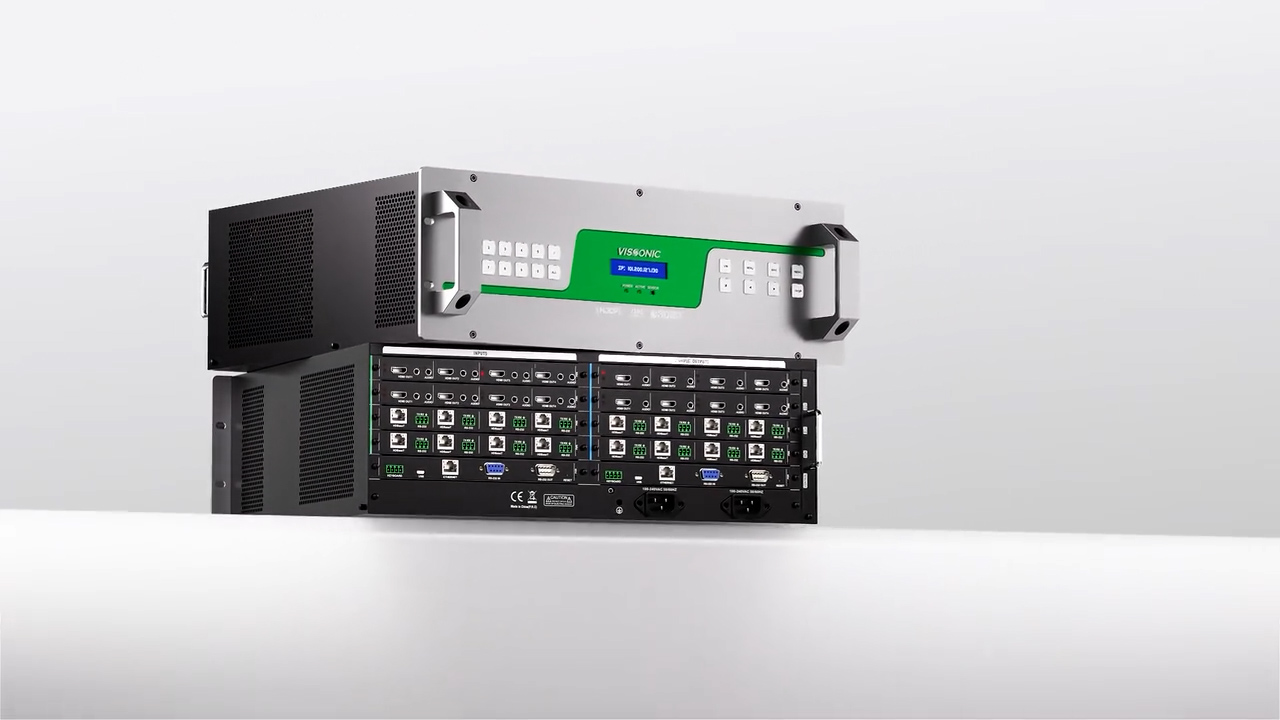
This manual describes the performance parameters of the VISSONIC VIS-PHD series matrix switchers and how to use and troubleshoot them.
Chapter 1 Overview ........................................................................................................................ 6
1.1 Main Features ................................................................................................................. 6
1.2 Controller installation .....................................................................................................8
1.3 System connection diagram ........................................................................................... 9
Chapter 2 Hardware description ..................................................................................................... 9
Chapter 3 Front and rear panels .................................................................................................... 10
Chapter 4 Command table .............................................................................................................11
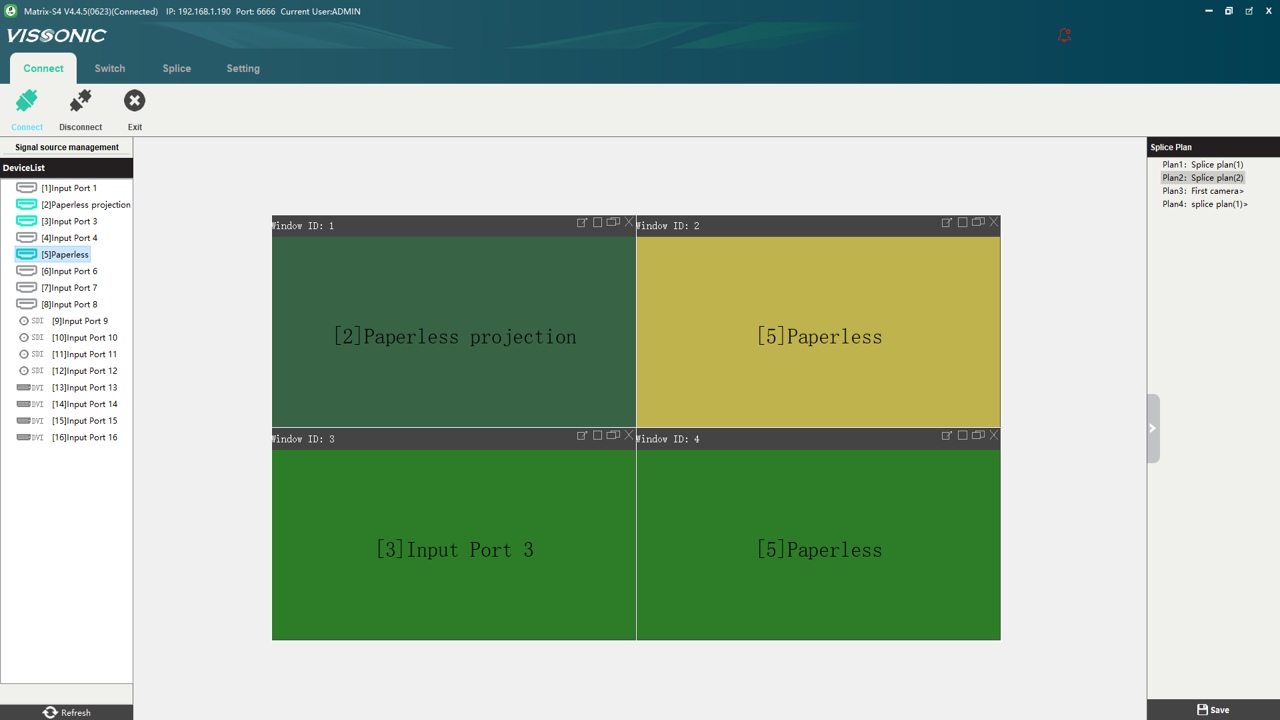
Chapter 5 Web control ...................................................................................................................13
5.1 Connection ....................................................................................................................13
5.2 Interface and functions ................................................................................................. 14
Chapter 6 Instructions for lower computer keys ...........................................................................17
6.1 Matrix switch ......................................................................................................................17
6.2 Saving and calling the switch state .................................................................................... 18
6.3 Query and setting ................................................................................................................18
Chapter 7 Troubleshooting ............................................................................................................20