










VISSONIC_VIS-PHD_series_HDMI_matrix_swithcer_datasheets_V3.3.pdf
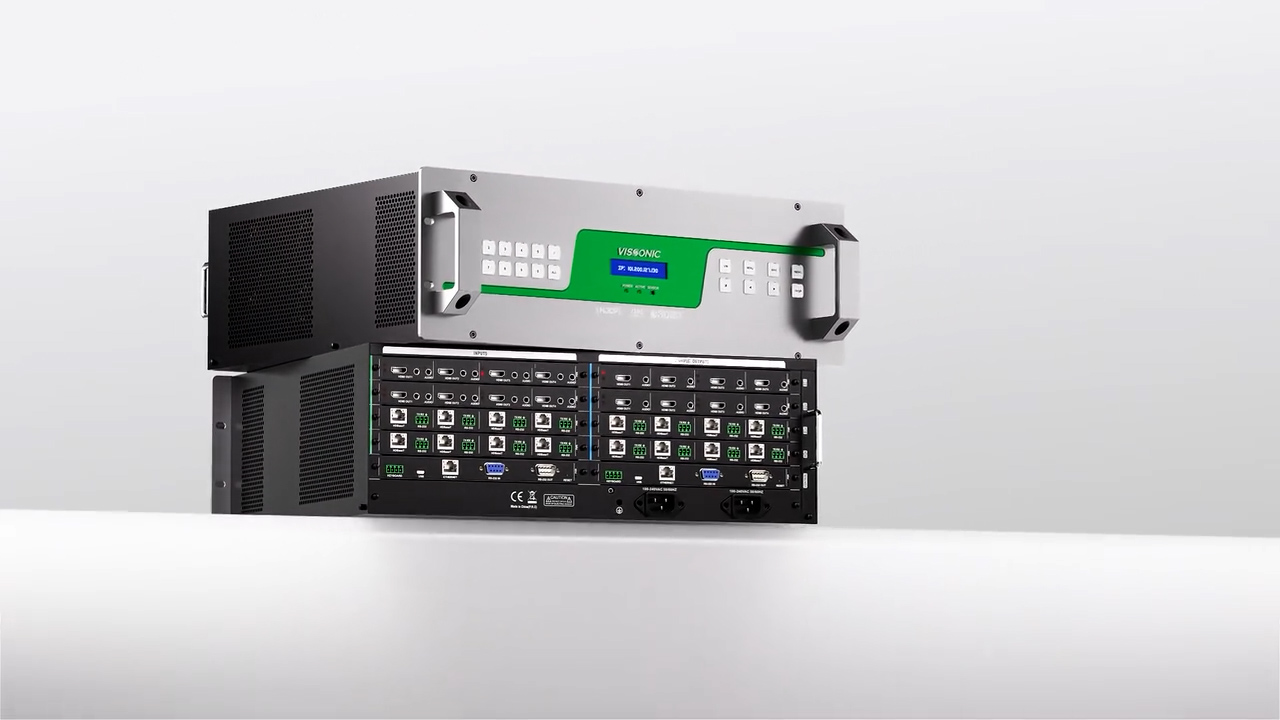
PHD series HDMI matrix is professional switcher routs UHD 4Kx2K HDMI signals to any outputs in need. It provides high peak data transfer rate and perfectly supports synchronous switching of HDMI signals, the robust industrial design makes it able to be a signal management center for high definition signal transmission. It can be widely used in command control center, multi-screen systems, conference room, high definition medical or education teaching etc.
Chapter 1 Overview
........................................................................................................................
6
1.1 Main Features
.................................................................................................................
6
1.2 Controller installation
.....................................................................................................8
1.3 System connection diagram ........................................................................................... 9
Chapter
2 Hardware description
.....................................................................................................
9
Chapter 3 Front and rear panels
....................................................................................................
10
Chapter 4 Command table
.............................................................................................................11
Chapter
5 Web control
...................................................................................................................13
5.1
Connection
....................................................................................................................13
5.2 Interface and functions ................................................................................................. 14
Chapter 6 Instructions for lower computer keys ...........................................................................17
6.1
Matrix switch
......................................................................................................................17
6.2 Saving and calling the switch state .................................................................................... 18
6.3
Query and setting
................................................................................................................18
Chapter
7 Troubleshooting
............................................................................................................20