







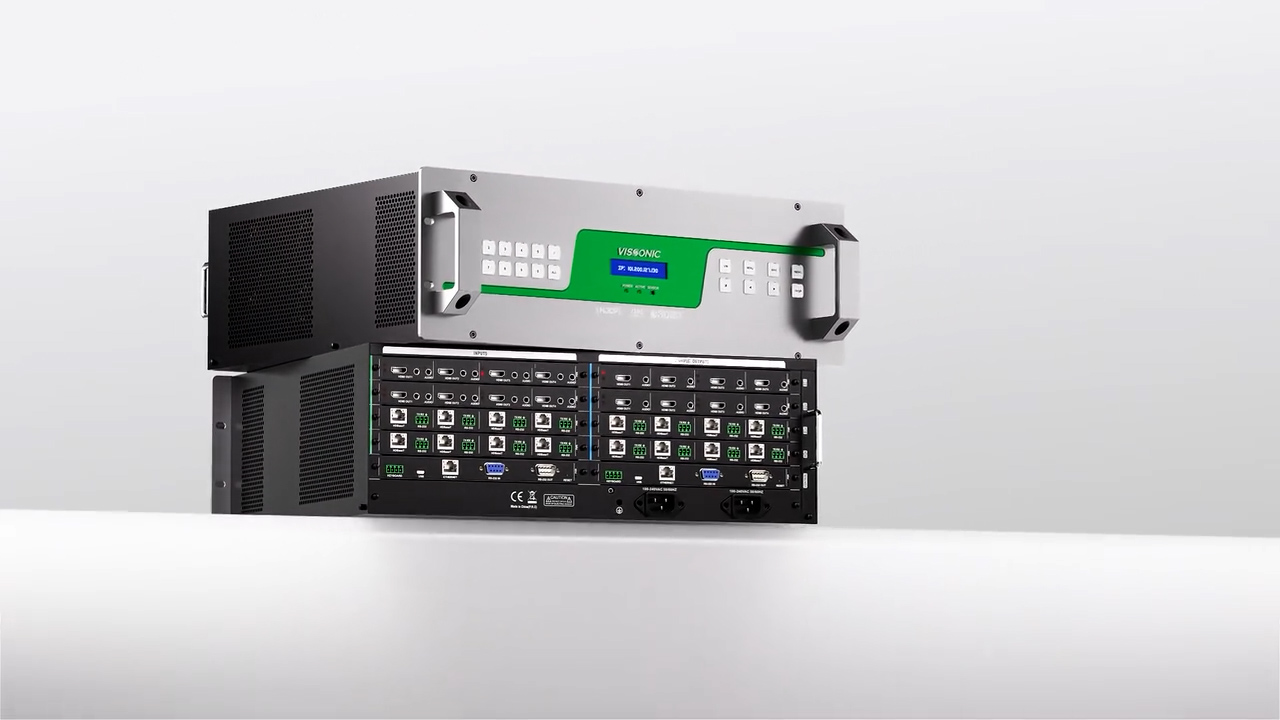


VISSONIC_VIS-CKB1_keybaord_users_manual
This user manual mainly describes the operation ways of keyboard, it needs to especially explain that different systematic platform has not the same operations, and different systematic platform may have some particular requirements and operations, please operate it to combine with the operation manual of dome and matrix.
1. Summary ----------------------------------------------------------------------------------------------------- 1
1.1 Notice --------------------------------------------------------------------------------------------------- 1
1.2 Function and Characteristic--------------------------------------------------------------------------- 1
1.3 Technical Data ----------------------------------------------------------------------------------------- 1
2. Keyboard Connection -------------------------------------------------------------------------------------- 2
2.1 Keyboard Interface Instruction ---------------------------------------------------------------------- 2
2.1.1 Rs422 and Rs485 ---------------------------------------------------------------------------- 2
2.1.2 Power Supply Port --------------------------------------------------------------------------- 2
2.1.3 Rs232 EIA Interface ------------------------------------------------------------------------- 2
2.1.4 RJ45 Interface -------------------------------------------------------------------------------- 2
2.2 DIP Switches Setting --------------------------------------------------------------------------------- 3
2.3 Matrix Connection ------------------------------------------------------------------------------------ 3
2.3.1 RJ45 Local Connection ------------------------------------------------------------------- 3
2.3.2 RS422 Remote Connection ------------------------------------------------------------------ 3
2.4 Connect with The Dome Directly ------------------------------------------------------------------- 4
2.5 Connect DVR -------------------------------------------------------------------------------------- 4
2.6 The Connection of The Keyboard in The System -------------------------------------------------- 4
3. Keyboard operation manual ------------------------------------------------------------------- 6
3.1 Current-carrying to keyboard ---------------------------------------------------------------------- 6
3.2 LCD ------------------------------------------------------------------------------------------------- 6
3.3 Joystick controls dome ----------------------------------------------------------------------------------- 6
3.4 Change object dome----------------------------------------------------------------------------------- 7
3.5 Control dome lens ------------------------------------------------------------------------------------- 7
3.6 Set dome function ------------------------------------------------------------------------------------- 7
3.6.1 Preset --------------------------------------------------------------------------------------- 7
3.6.2 Scan ----------------------------------------------------------------------------------- 7
3.6.3 Pattern -------------------------------------------------------------------------------------- 8
3.6.4 Tour -------------------------------------------------------------------------------------------- 8
3.7 Call dome main menu ------------------------------------------------------------------------------------ 8
3.8 Control matrix -----------------------------------------------------------------------------------------8
3.8.1 Switch dome in order ---------------------------------------------------------------------------- 8
3.8.2 Call matrix main menu ------------------------------------------------------------------------ 8
3.8.3 Confirm after program------------------------------------------------------------------------- 8
3.8.4 Change object monitor ------------------------------------------------------------------------ 8
4. Keyboard control -------------------------------------------------------------------------------------- 9
4.1 keyboard index setting ----------------------------------------------------------------------------- 9
4.1.1 Set ID number -------------------------------------------------------------------------------- 9
4.1.2 Set the baud rate --------------------------------------------------------------------------- 9
4.1.3 Set password------------------------------------------------------------------------------- 9
4.1.4 Joystick calibration --------------------------------------------------------------------- 10
4.1.5 Multi keyboard state ----------------------------------------------------------------------- 11
4.2 Dome setup ------------------------------------------------------------------------------------------ 11
4.2.1 Set dome preset ----------------------------------------------------------------------------- 11
4.2.2 Set dome scan -------------------------------------------------------------------------------- 11
4.2.3 Set dome pattern ----------------------------------------------------------------------------- 12
4.2.4 Set dome tour --------------------------------------------------------------------------------- 12
4.3 Alarm box control ---------------------------------------------------------------------------------- 13
4.3.1 Set the alarm input channel status and the alarm spot ---------------------------------- 13
4.3.2 Set alarm ON/OFF status and alarm reset time ------------------------------------------- 13
4.3.3 Manually reset alarm input ----------------------------------------------------------------- 14
4.3.4 Resume the factory default setting --------------------------------------------------------- 14
4.4 Protocol setting------------------------------------------------------------------------------------- 14
4.4.1 Pelco matrix model -------------------------------------------------------------------------- 14
4.4.2 Directly control model ---------------------------------------------------------------------- 14
4.4.3 DVR control model ------------------------------------------------------------------------- 15
4.5 Keyboard information display -------------------------------------------------------------------- 15
4.6 Exit keyboard menu -------------------------------------------------------------------------------- 15
5. Appendix ----------------------------------------------------------------------------------------------- 16
5.1 Rs485 Bus Basic Knowledge ---------------------------------------------------------------------- 16
5.2 Keyboard shortcut operation manual ------------------------------------------------------------- 17
6. Keyboard Menu Index ----------------------------------------------------------------------------------- 18
7. Maintenance service terms ------------------------------------------------------------------------------- 19