






VISSONIC_VIS-MAW-T_Wi-Fi_Wireless_Multimedia_Conference_Unit_User_Manual_V1.1
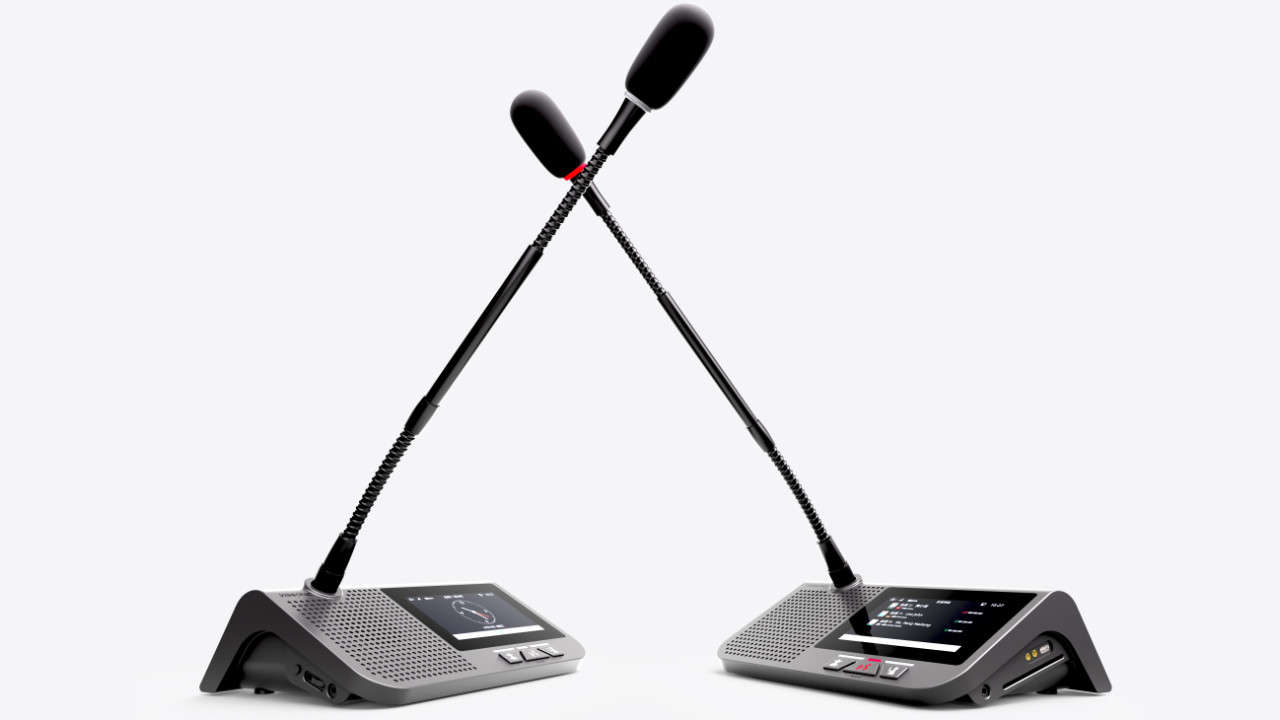
This manual mainly describes the use, performance parameters and troubleshooting of VISSONIC VIS-MAW-T 5GWiFi wireless touch screen conference unit.
1.Product Overview ..................................................................................................................................................... 6
1.1 Product description and layout ...................................................................................................................... 6
1.2 Product connection diagram .......................................................................................................................... 9
2. Basic functions ...................................................................................................................................................... 10
2.1 Home screen information display ................................................................................................................ 10
2.2 Speech timing and request ............................................................................................................................11
2.3 Unit language and luminance settings ..........................................................................................................11
2.4 Unit EQ settings and unit information display .............................................................................................11
2.5 Call service .................................................................................................................................................. 12
2.6 Conference mode ......................................................................................................................................... 12
3. Unit ID settings, unit type settings, and authority settings .................................................................................... 14
3.1 Editing unit ID ............................................................................................................................................. 14
3.2 Unit type settings ......................................................................................................................................... 14
3.3 Unit authority settings.................................................................................................................................. 15
3.4 Microphone status indication ....................................................................................................................... 15
3.5 Automatic shutdown .................................................................................................................................... 16
3.6 Wired/wireless mode switching ................................................................................................................... 16
3.7 Restoring factory settings for the wireless unit............................................................................................ 16
3.8 Configuring SSID and changing a conference room ................................................................................... 17
4. Optional functions ................................................................................................................................................. 20
4.1 IC card sign-in and information display function (software license model: VIS-AIDEN).......................... 20
4.2 Voting function (software license model: VIS-AVOTE) ............................................................................. 20
4.3 Dual 64-channel selector software module (software license model: VIS-ALGE) ..................................... 21
4.4 Dual-user software (software license model: VIS-ADUAL) ....................................................................... 22
To be updated..................................................................................................................................................... 22
5. Upper computer software settings ......................................................................................................................... 23
5.1 Software connection .................................................................................................................................... 23
5.2 Basic configuration ...................................................................................................................................... 24
5.3 Information uploading ................................................................................................................................. 24
5.4 Display of person requesting to speak ......................................................................................................... 25
5.5 Dynamic text................................................................................................................................................ 25
6. Debugging ............................................................................................................................................................. 27
7. Image Design Guidelines....................................................................................................................................... 28
7.1 Homepage Background Design ................................................................................................................... 28
7.2 Speaker's Portrait Photo ............................................................................................................................... 30