



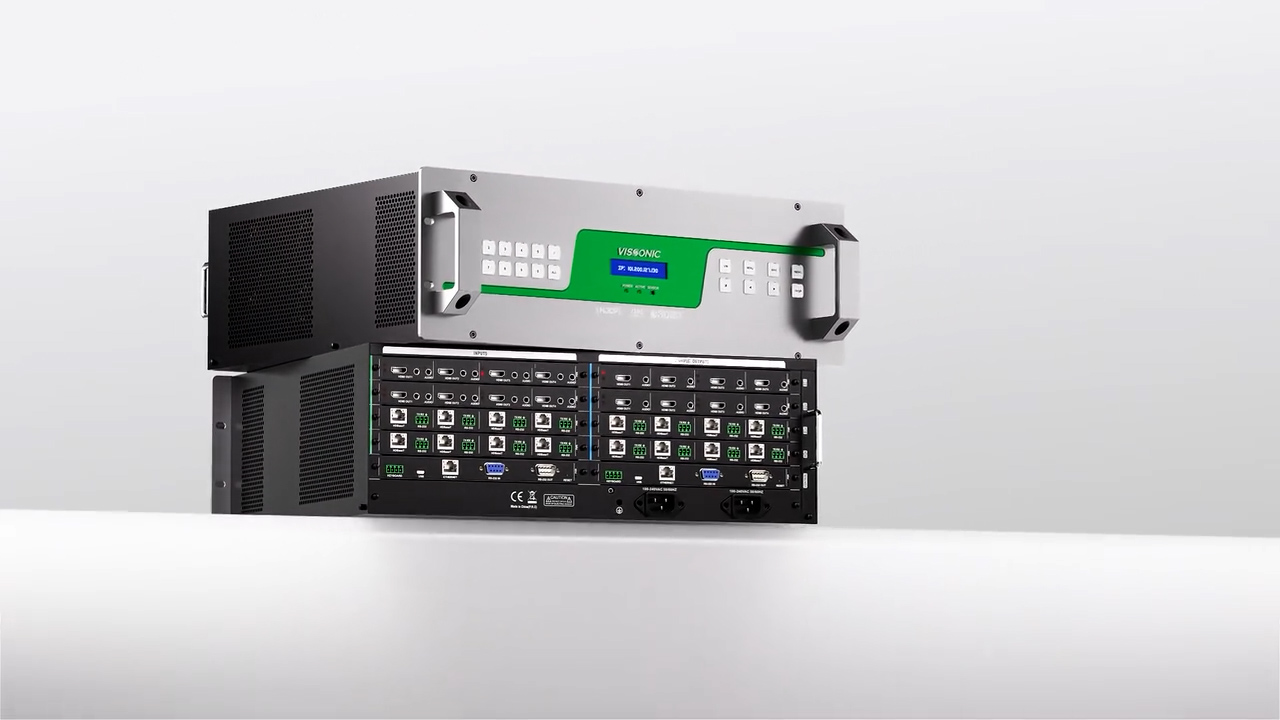

VIS-PMU-T_papereless_unit_User_Manual_V1.2
The Paperless System Instruction Manual mainly introduces the paperless system and software operating instructions.
Preface
.......................................................................................................................................................
1
1. Overview
...............................................................................................................................................
7
2. Hardware installation
.............................................................................................................................7
2.1. Installing the paperless conference system server ..................................................................... 7
2.2.
11.6-inch conference terminal installation
.................................................................................8
2.3. Extension module installation and parameters ...........................................................................9
2.3.1. Discussion + Speaker Module VIS-MDSP .....................................................................9
2.3.2. Voting + IC card reading module. .................................................................................. 9
2.3.3. Voting Module: VIS-MVOT ........................................................................................ 10
3.
System connection diagram
.................................................................................................................11
4.
System operation instructions
............................................................................................................12
4.1.
Backend management
..............................................................................................................
12
4.1.1. Conference Room Layout .............................................................................................12
4.1.2.
Seating arrangement
.....................................................................................................
13
4.1.3. Default User
..................................................................................................................14
4.1.4.
Set PMU-T Unit ID
......................................................................................................
16
4.1.5. Add conference
.............................................................................................................17
4.1.6. Register device serial number and assign seating .........................................................19
4.1.7.
Add meeting files
..........................................................................................................20
4.1.8.
Meeting voting topics
...................................................................................................
21
4.1.9. Meeting agenda
.............................................................................................................21
4.1.10. Add cameras/streaming servers/conference controller ...............................................22
4.1.11.
IC card usage
..............................................................................................................
23
4.1.12. Speaking Countdown Timer ....................................................................................... 24
4.1.13. Control and Management ........................................................................................... 25
4.1.14. Control during the Meeting ........................................................................................ 25
4.1.15. Post meeting management .......................................................................................... 27
4.1.16.
Software update
..........................................................................................................
27
4.2. Client introduction
...................................................................................................................
28
4.2.1. Client user login
............................................................................................................28
4.2.2.
Main client screen
.........................................................................................................29
4.2.3.
Meeting agenda
.............................................................................................................29
4.2.4.
User check-in
................................................................................................................
30
4.2.5. Conference discussion
..................................................................................................
30
4.2.6. Conference topic
...........................................................................................................31
4.2.7.
Conference document
...................................................................................................
31
4.2.8. Notes on Meeting
..........................................................................................................32
4.2.9.
Conference messages
....................................................................................................33
4.2.10.
Conference services
....................................................................................................
33
4.2.11. Assistant management ................................................................................................ 34
4.2.12.
Configuration
..............................................................................................................35
4.2.13.
Screen Sharing
............................................................................................................
35
4.2.14. IC Card Sign-In
...........................................................................................................36
4.2.15.
Meeting Speech
..........................................................................................................
37
4.2.16. Conference Interpretation ........................................................................................... 38