






VIS-UHD0409-VW-S_Video_Wall_Processor_User_Manual_V1.1
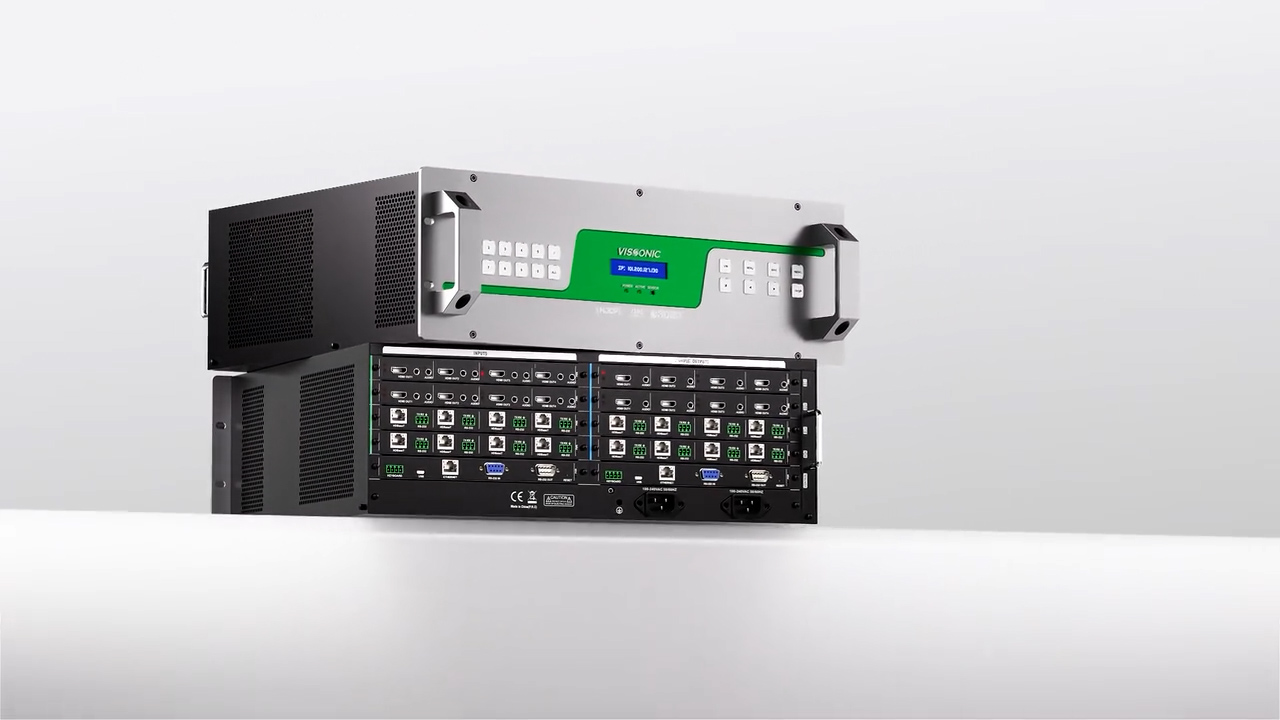
This manual mainly provides an explanation of the VISSONIC VIS-4K seamless video wall processor, including its features, panel, performance parameters, PC software operation, and troubleshooting.
1.System overview ..............................................................................................................................6
1.1 System features ..................................................................................................................... 6
1.2 Features ................................................................................................................................. 6
2.Application .......................................................................................................................................8
3.Panel introduction .......................................................................................................................... 10
3.1 Features and interfaces ....................................................................................................... 10
4. Specifications ................................................................................................................................ 11
5.System connection ......................................................................................................................... 12
6. PC Software Control .....................................................................................................................14
6.1 Download and run UHDControl Software .........................................................................14
6.2 Login in ...............................................................................................................................14
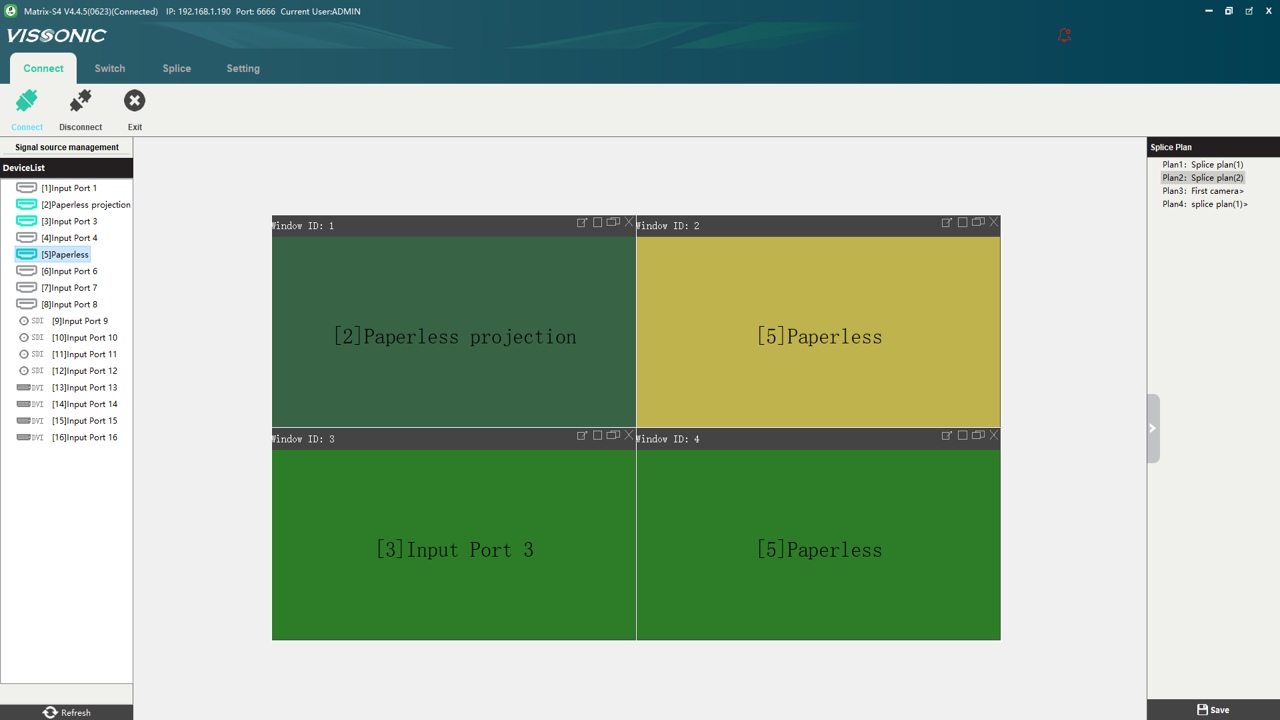
6.3 Fast Splicing Control .......................................................................................................... 15
6.3.1 Subtitle Settings .......................................................................................................16
6.3.2 Zoom, Lock, and One-Click Clear .......................................................................... 20
6.3.3 Signal list ................................................................................................................. 20
6.4.Window Switching ............................................................................................................. 23
6.4.1.Window Replacement ..............................................................................................23
6.4.2.Window Commands ................................................................................................ 24
6.4.3.Window Stacking .....................................................................................................25
6.5.Audio Switching Matrix ..................................................................................................... 26
6.6.Setting ................................................................................................................................. 26
6.7.About .................................................................................................................................. 27
7.Common Issues and Solutions .......................................................................................................28